
Hubbuy Spreadsheet
A good find starts with a closer look.
Explore shoes, clothing, bags and everyday finds in the Hubbuy spreadsheet. Compare product photos, pictured styles and available QC, then open the matching Hubbuy link.
Explore by category
Keep exploring
Explore the spreadsheet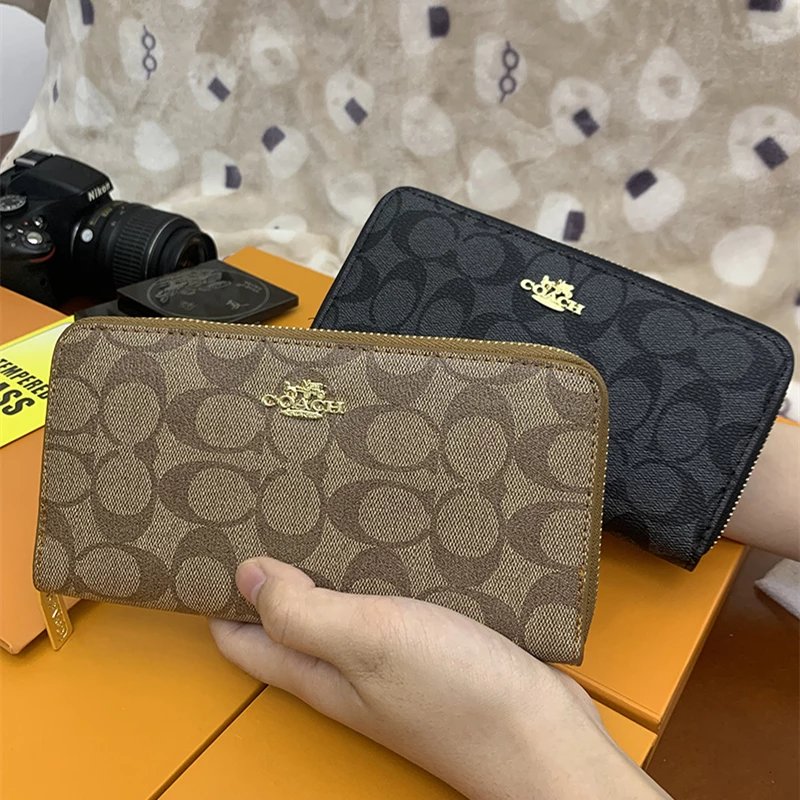
Coach Signature Zip-Around Wallet
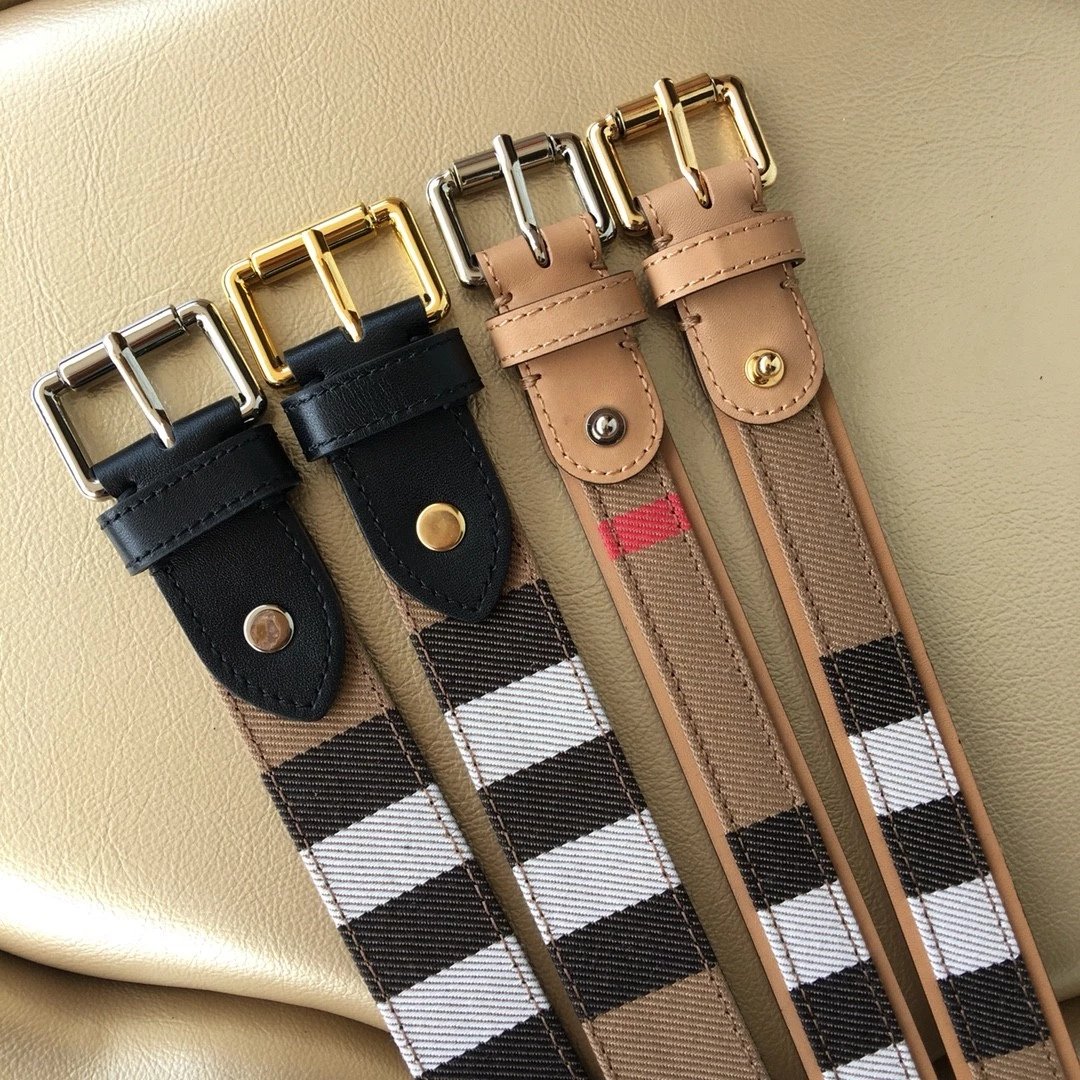
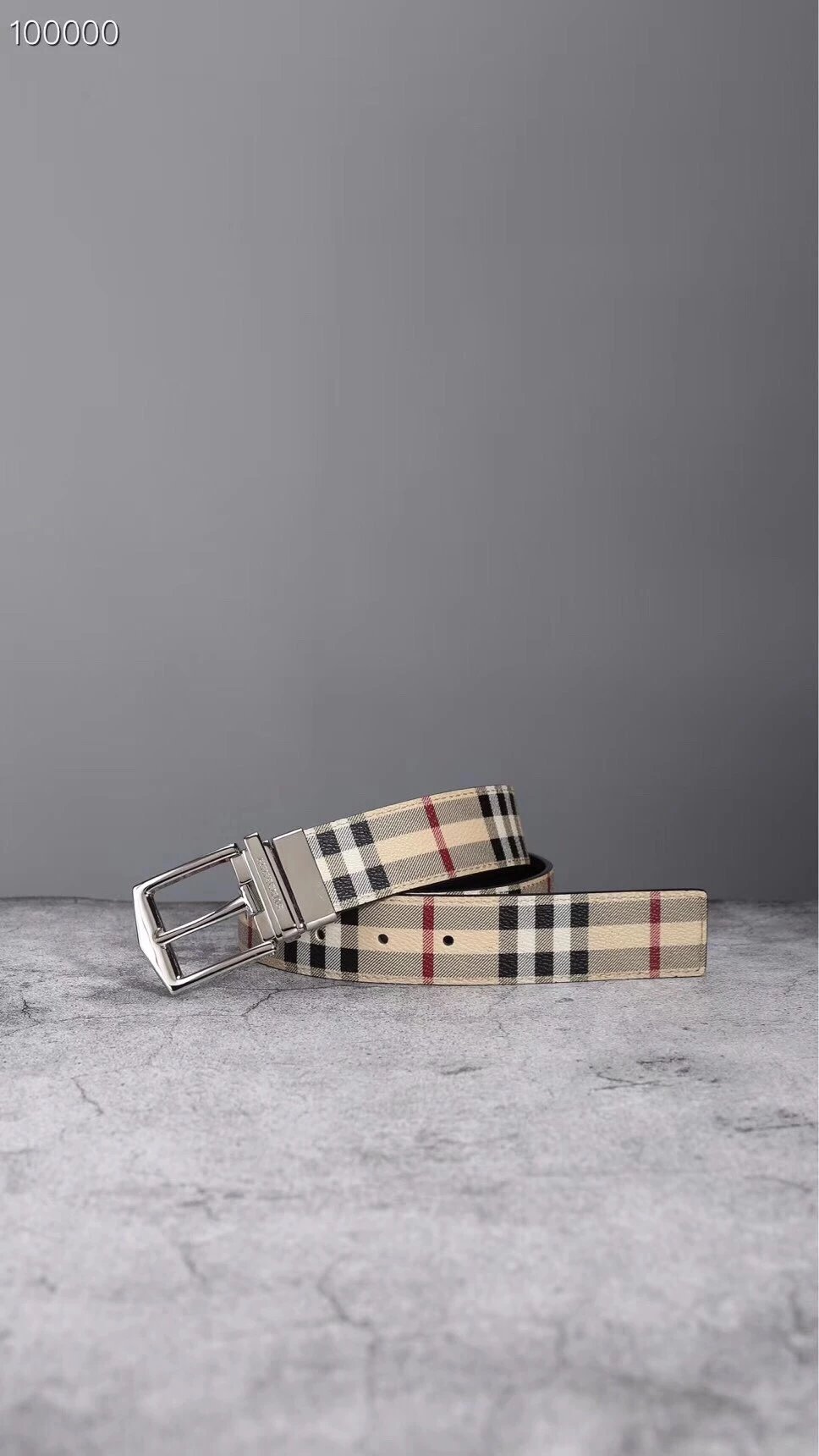
Burberry Check Pattern Belt
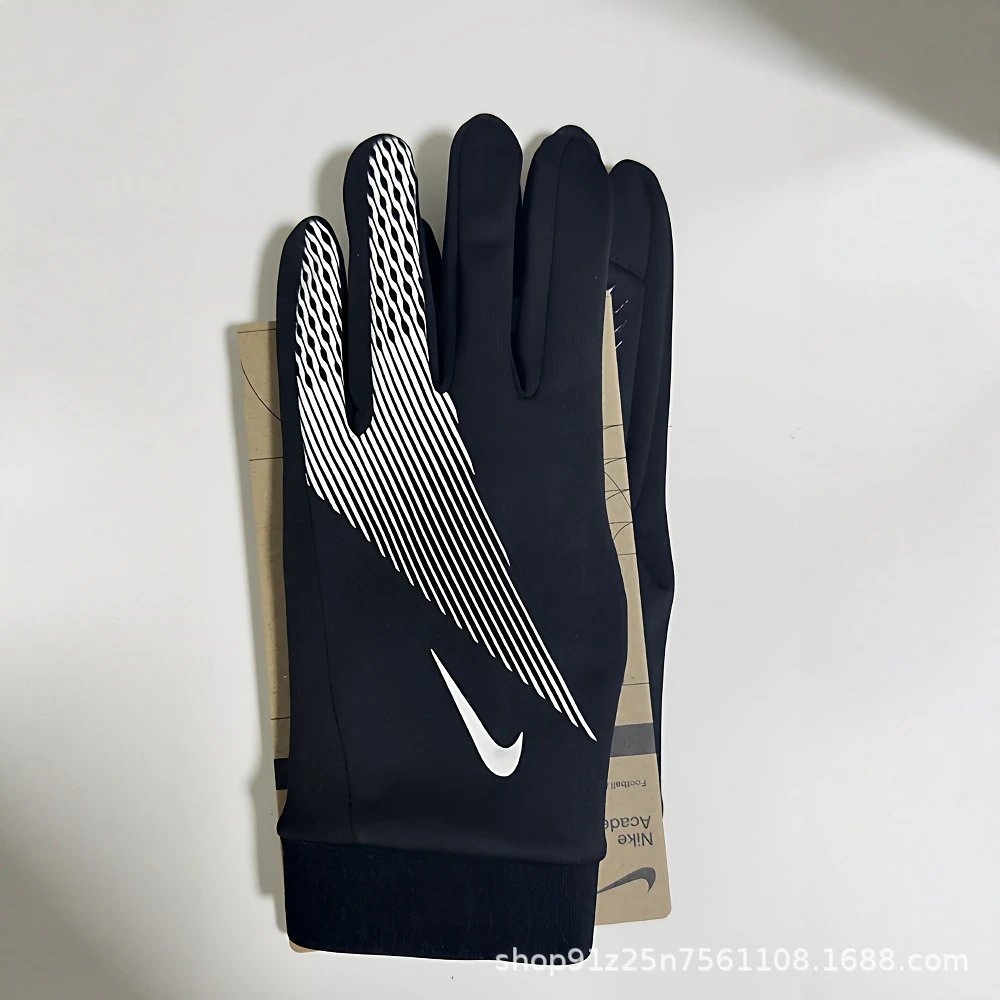
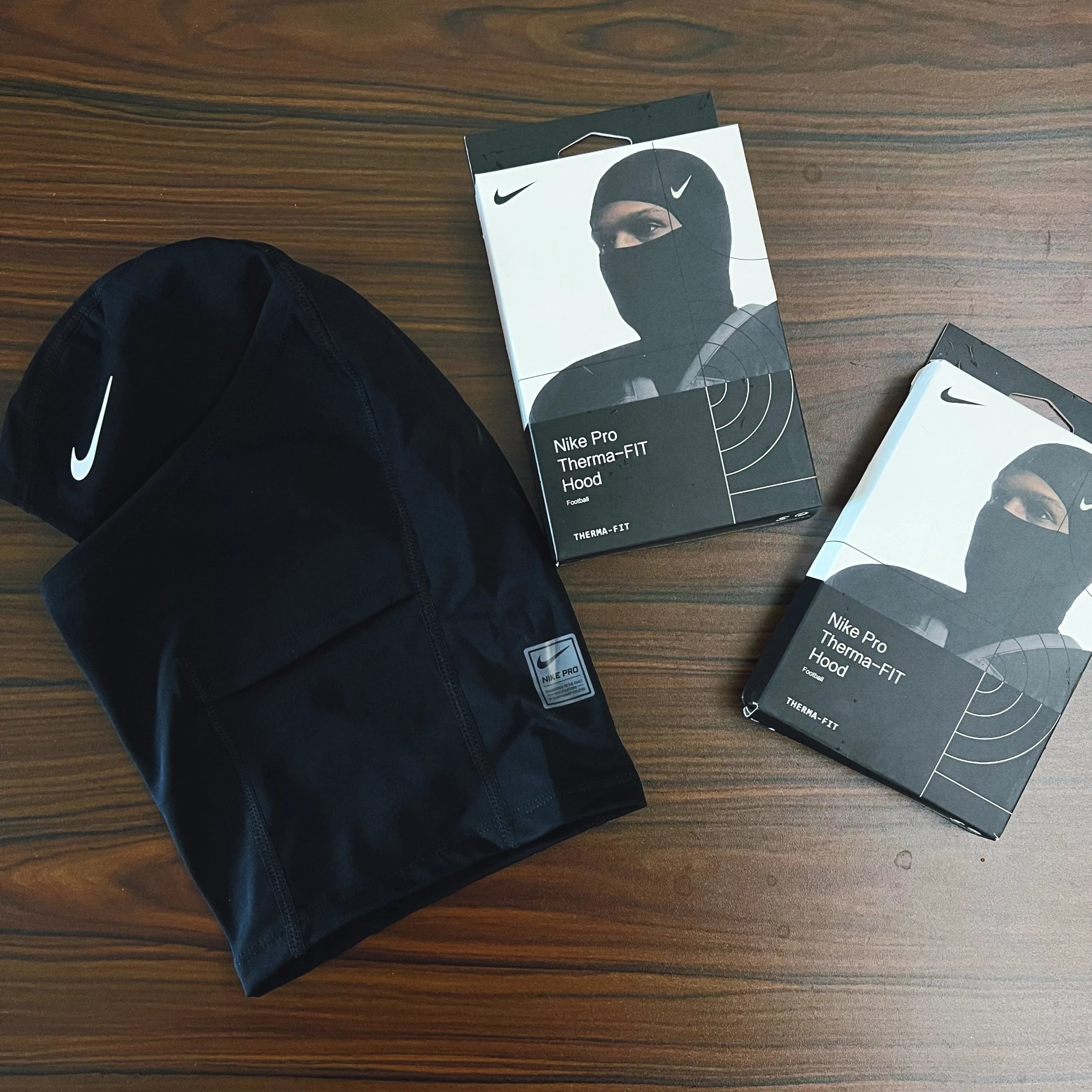
Black Nike Football Gloves
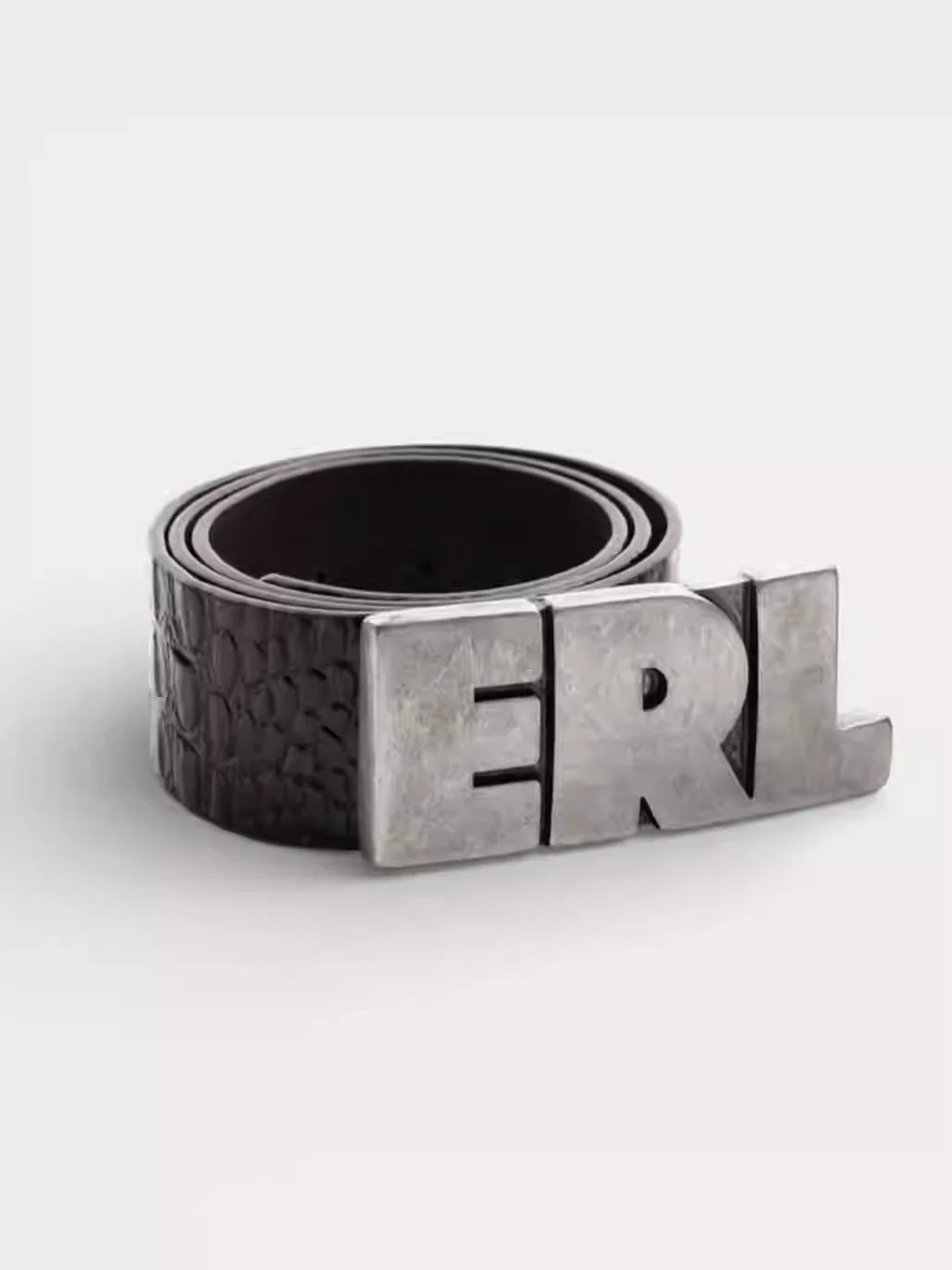
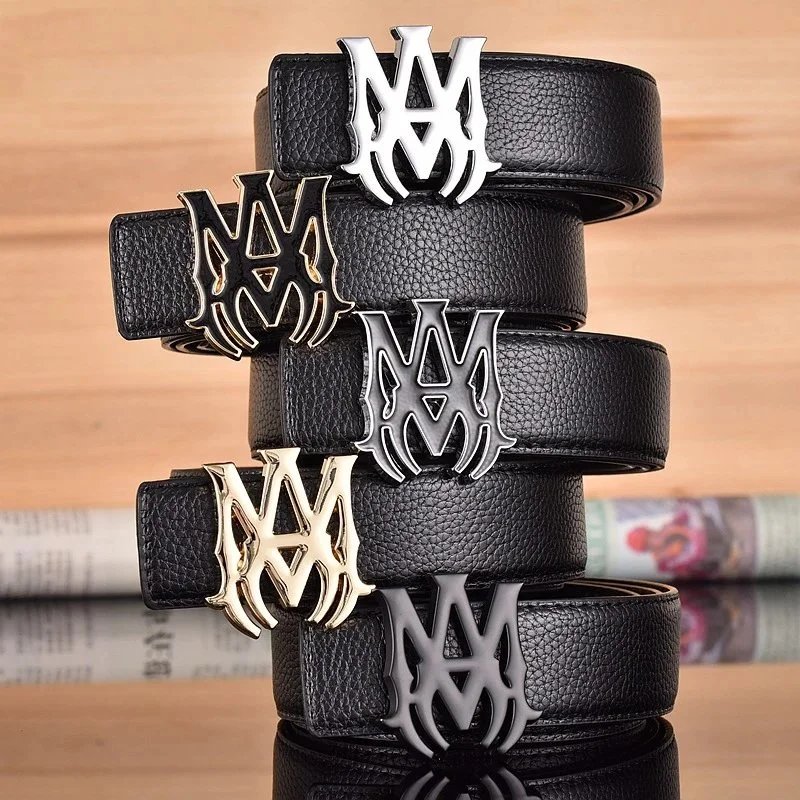
Black Crocodile Texture Belt with ERL Buckle
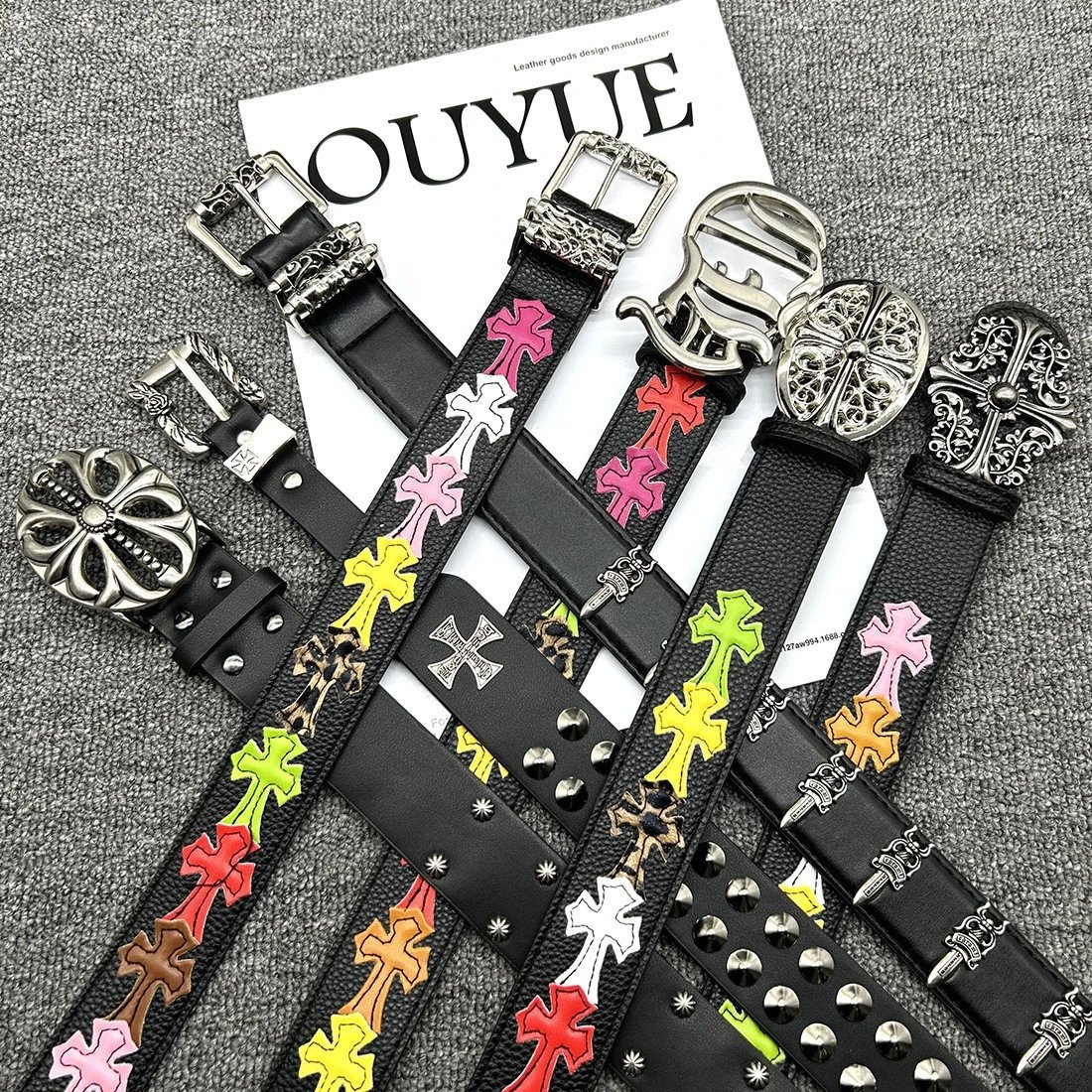
Cross Embellished Leather Belts
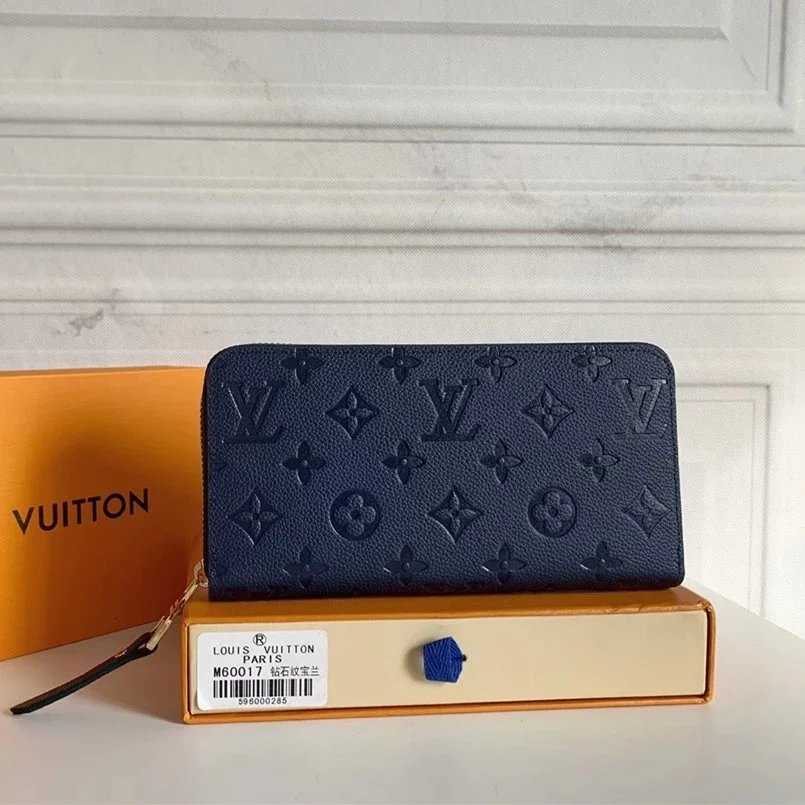
Louis Vuitton Monogram Embossed Wallet
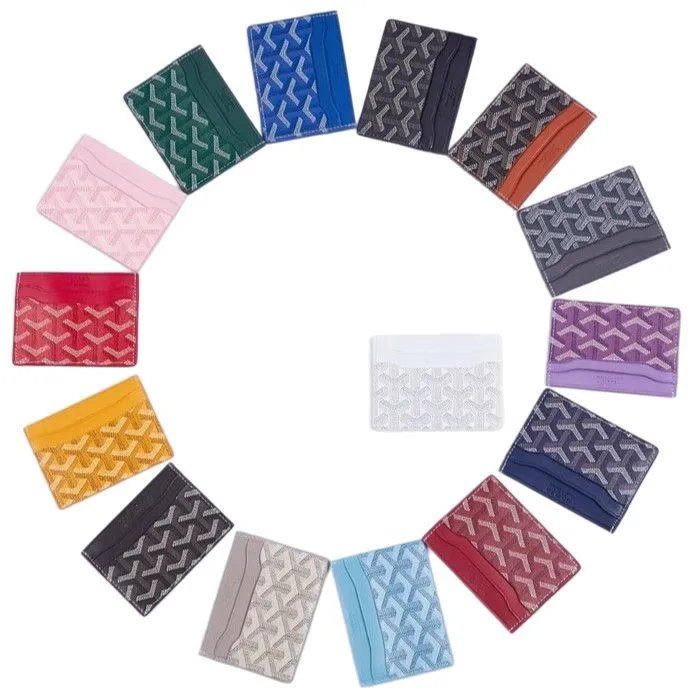
Goyard Card Holder Wallet
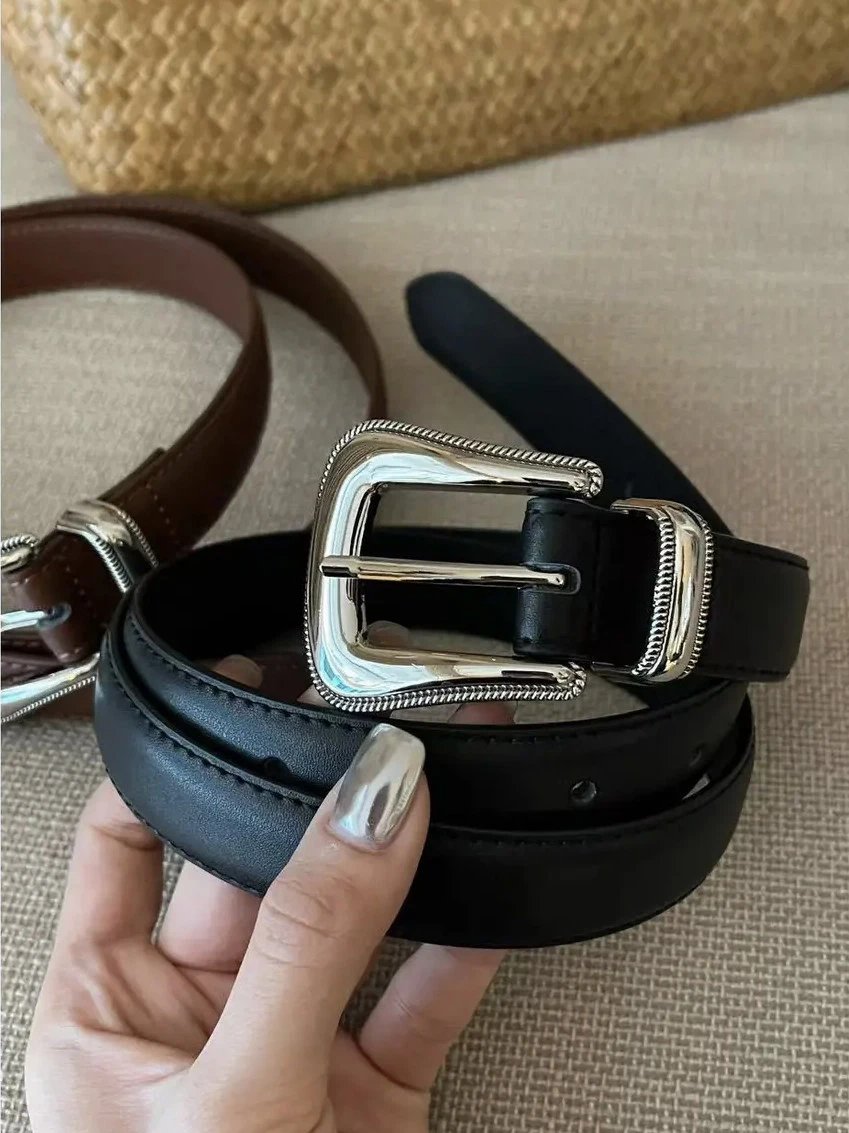
Black Leather Belt with Silver Buckle
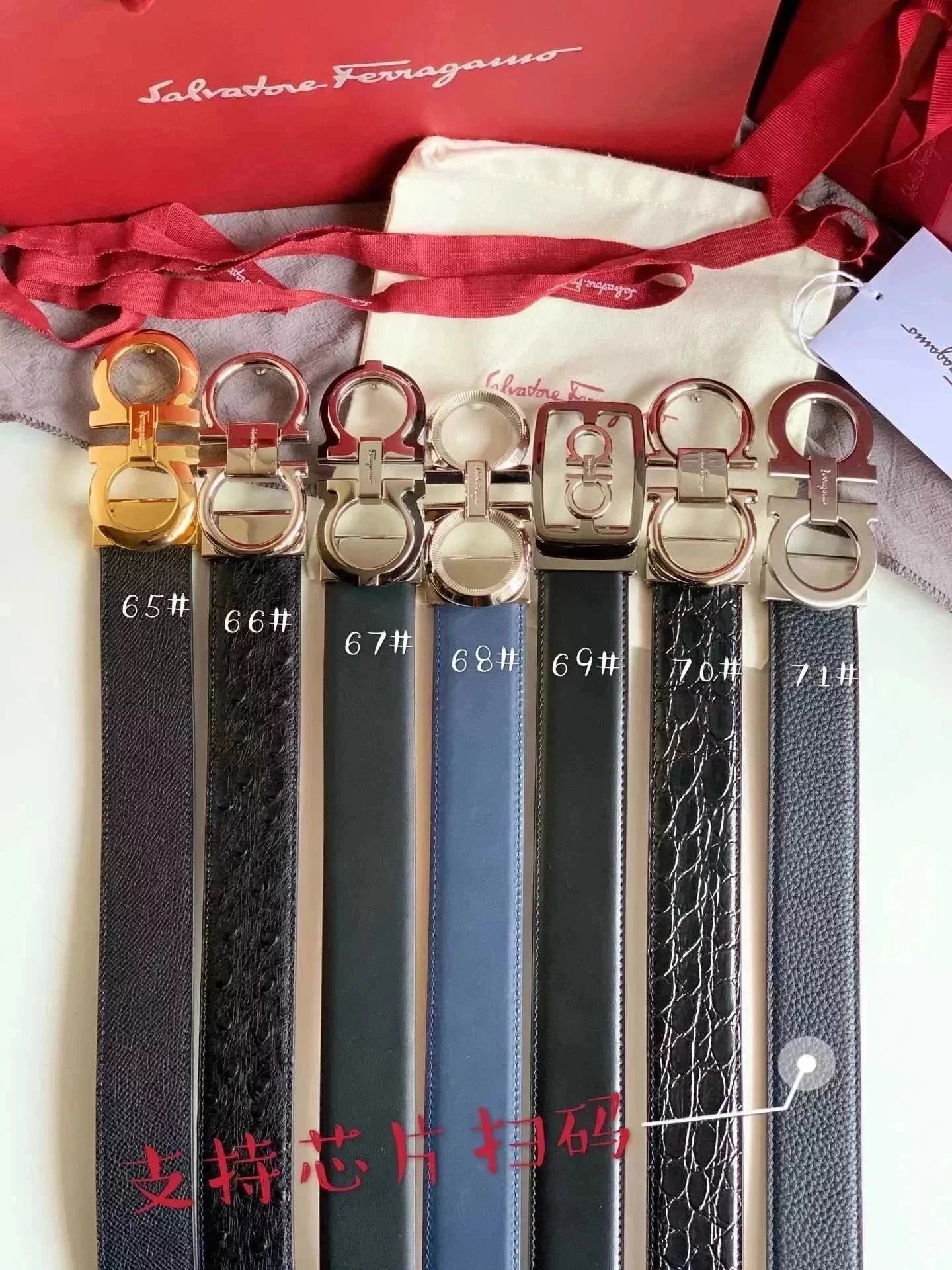
Ferragamo Men's Leather Belts
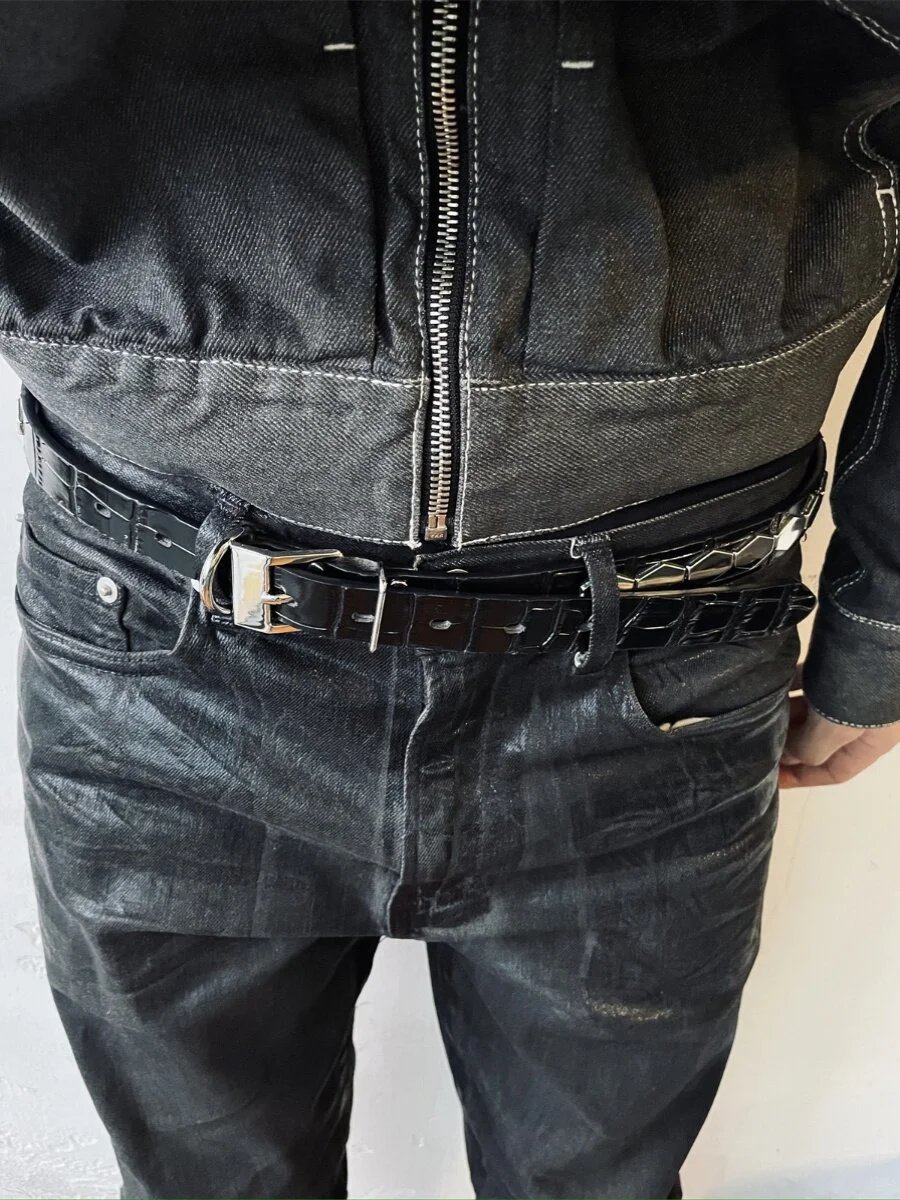
Black Leather Belt with Silver Buckle
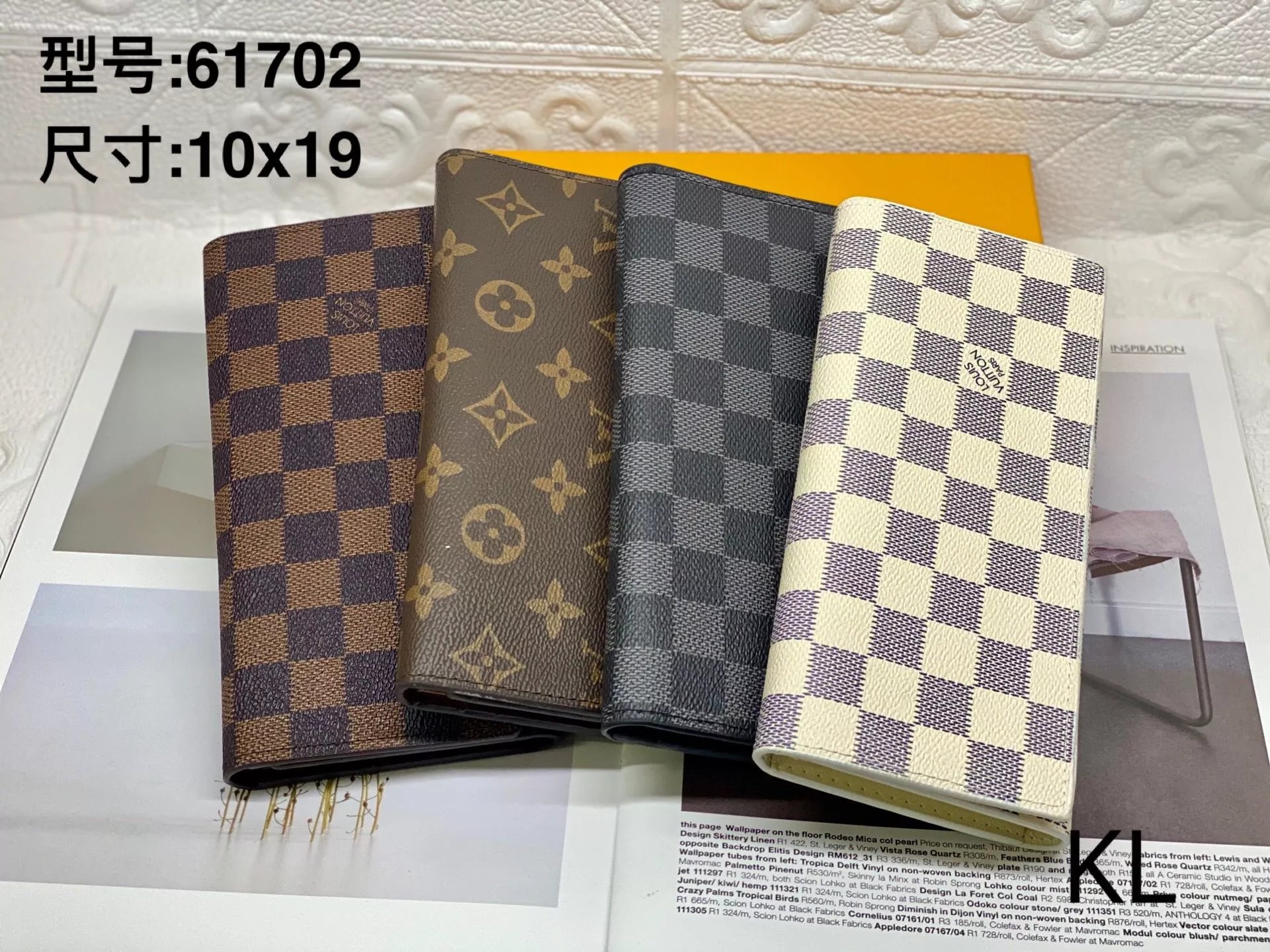
Louis Vuitton Checkered Wallet
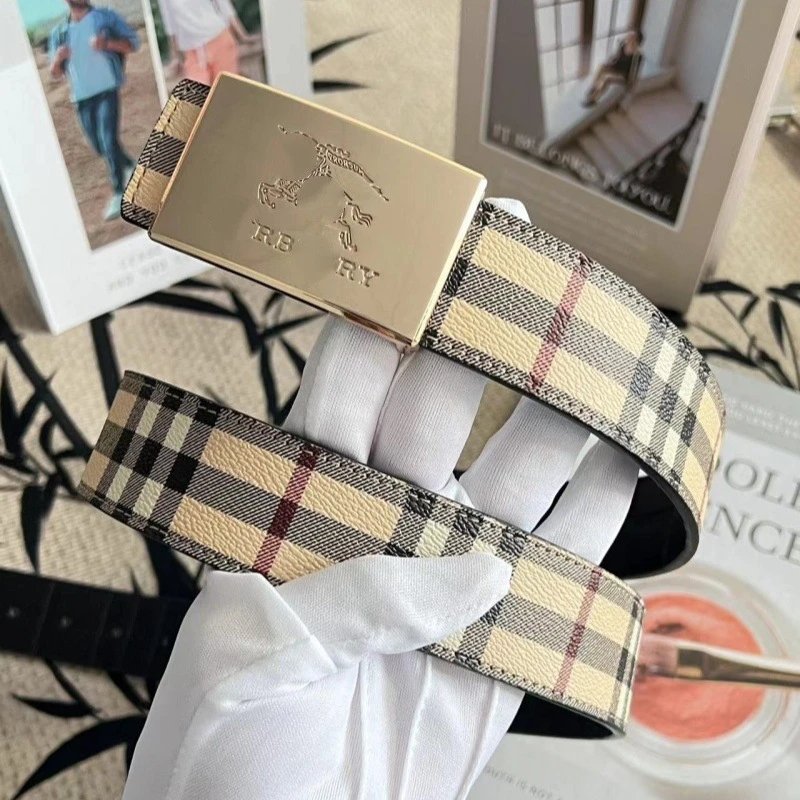
Burberry Checkered Belt
Explore by category
CategoriesShoes
Explore sneakers, everyday shoes and boots in one place. Compare silhouettes and sole details in the product gallery before opening the Hubbuy link.
Tops
Browse T-shirts, hoodies, shirts and knitwear. Use the print, neckline and cut in each photo to build a more focused shortlist.
Bottoms
Compare jeans, trousers, shorts and skirts. Check the leg shape and pocket layout, then review the measurements on the linked listing.
Outerwear
Find jackets, down layers, coats and blazers. Browse front and back views to compare fastenings, panels and the overall shape.
Sets
Keep coordinated pieces together while browsing tracksuits and loungewear. Open the source listing to confirm which pieces each option includes.
Underwear
Browse underwear and other close-fitting basics. Compare the pictured design and confirm the material, measurements and quantity on Hubbuy.
Accessories
Explore bags, belts, eyewear, watches and smaller accessories. Look closely at closures, straps and hardware in the available product and QC photos.
Electronics
Browse headphones, speakers, lighting and wearable devices. Match the pictured model and verify the required connectors or specifications before ordering.
Other
Explore gift sets and finds beyond the main departments. Review the photos and source description for dimensions, contents and the exact item offered.
Questions about Hubbuy finds
Search the finds, compare the photos, open the source.
Finding and comparing
What can I find on Hubbuy Sheetz?
Browse a Hubbuy spreadsheet of shoes, clothing, bags, accessories and other finds. Product pages bring together source links, product photos, pictured styles and available QC photos. Open a detail page to compare the images before adding an item to your shortlist.
How do I narrow down the spreadsheet?
Start with a product name or open a category. Choose a brand and sort order to compare a smaller selection. Category links let you move from a department to a more specific product type. If results look unrelated, try a clearer product name or browse the matching category.
Can I find a product from a photo?
Open image search and upload, drop or paste a photo. The results show visually similar items; compare the title and pictures before opening a product. Similar appearance does not confirm the same model. A clear photo focused on one item makes the results easier to compare.
Where are the QC photos?
Open a product and look below its main photos and style choices. When QC photos are available, you can browse and enlarge them. A product without QC photos is shown with an empty QC section. Check whether the photographed colour and style match the option you are considering.
Are style pictures the same as product photos?
The main gallery presents the product photos. Smaller style pictures let you preview the pictured variations. Check the actual options on Hubbuy before placing an order. Selecting a style picture here previews its photo; it does not select a purchasable size.
Links and photo evidence
How do Hubbuy product links work?
Use the Hubbuy button on a product page to open the linked source item. The link keeps the original marketplace product ID and this site’s referral code. Verify the product on the destination page. Compare its photos, selected options and current availability before continuing with a purchase.
Can I copy the original seller link?
Use the copy button on a product page when a supported seller link is available. It copies the original listing URL so you can keep the source with your shortlist. Wait for the copied confirmation, then paste the link into your notes or browser.
Why can the price differ on Hubbuy?
The spreadsheet shows a reference price with a selectable display currency. Options and the current source listing can affect the price shown on Hubbuy; check the destination page before ordering. Switching the display currency changes the reference amount, not the seller’s listing price.
Does a QC photo guarantee product quality?
No. QC photos provide a view of a photographed item and may help you compare visible details. They do not guarantee the condition, materials or appearance of a future purchase. Enlarge the photos to inspect visible details rather than relying on the thumbnail alone.
Is Hubbuy Sheetz the official Hubbuy website?
Hubbuy Sheetz is an independent finds site. Registration and supported purchase links include a referral code; accounts and purchases are handled on Hubbuy. Use Hubbuy’s own support channels for questions about an account or an existing order.